SdG CREATION
Copyright SdG 2026 - All rights reserved
Legal Notice




VIRTUAL REALITY
ZERO POINT
An immersive and interactive work from The Labyrinth of Time
Virtual reality (VR headset) or 360° video (computer)
Stéphane de Gérando
ZERO POINT
Travel as you choose through this immersive contemporary artwork, Stéphane de Gérando's Labyrinth of Time, with its various spaces, 140 tableaux, endless corridors and teleportations, floating sculptures and words, a symphony of sounds and colors…
Two modes of use
“Free Mode”
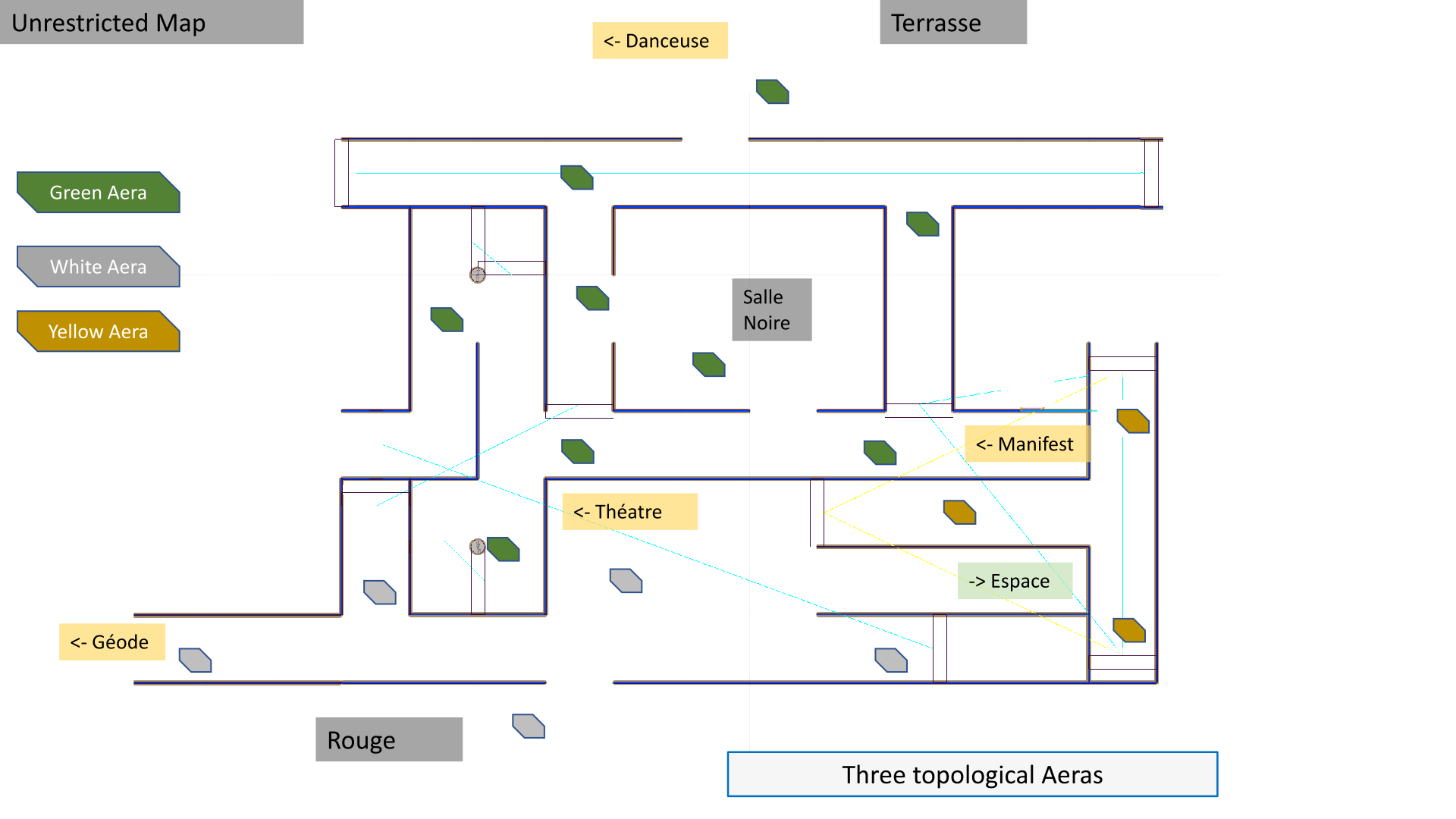
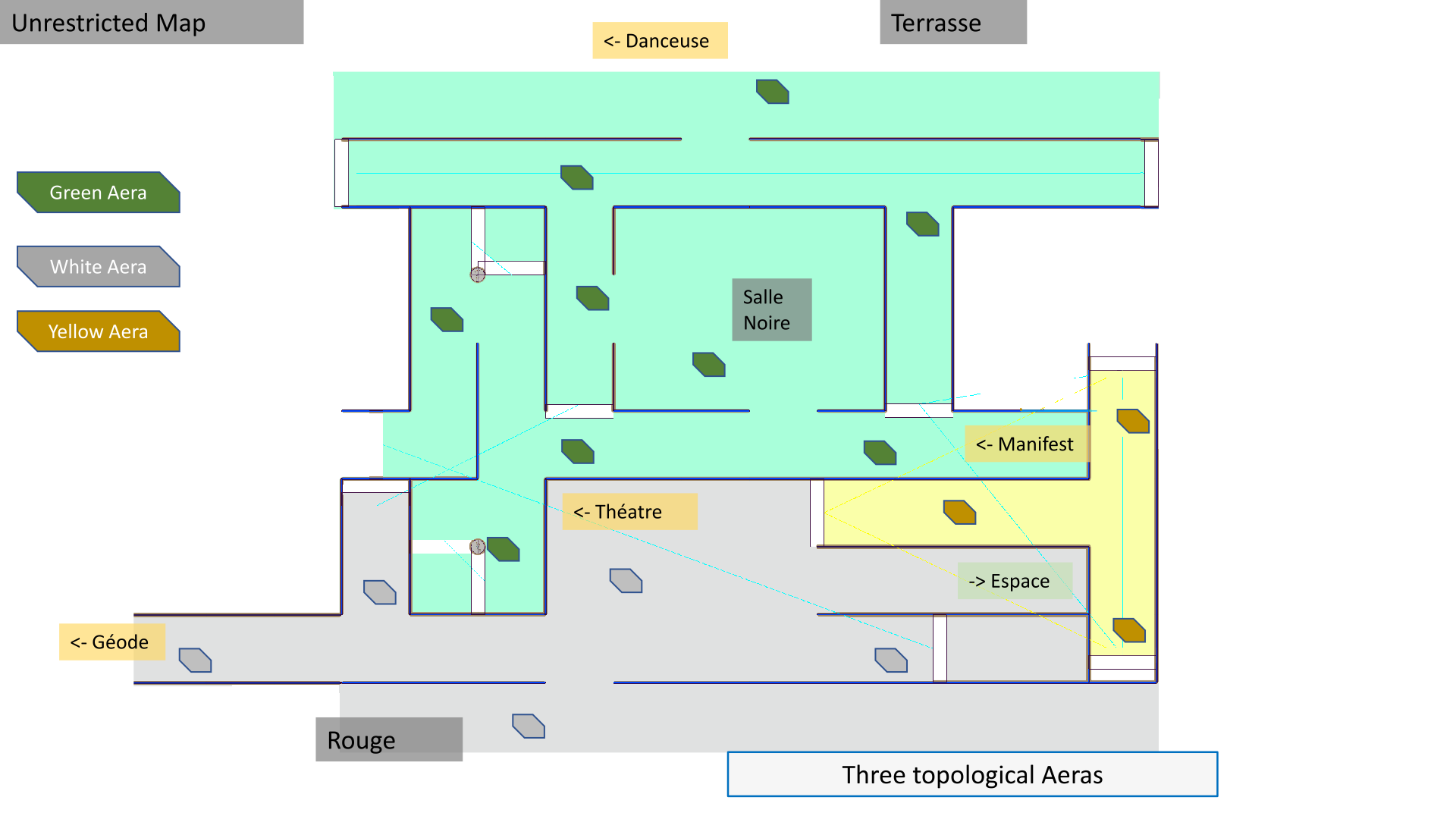
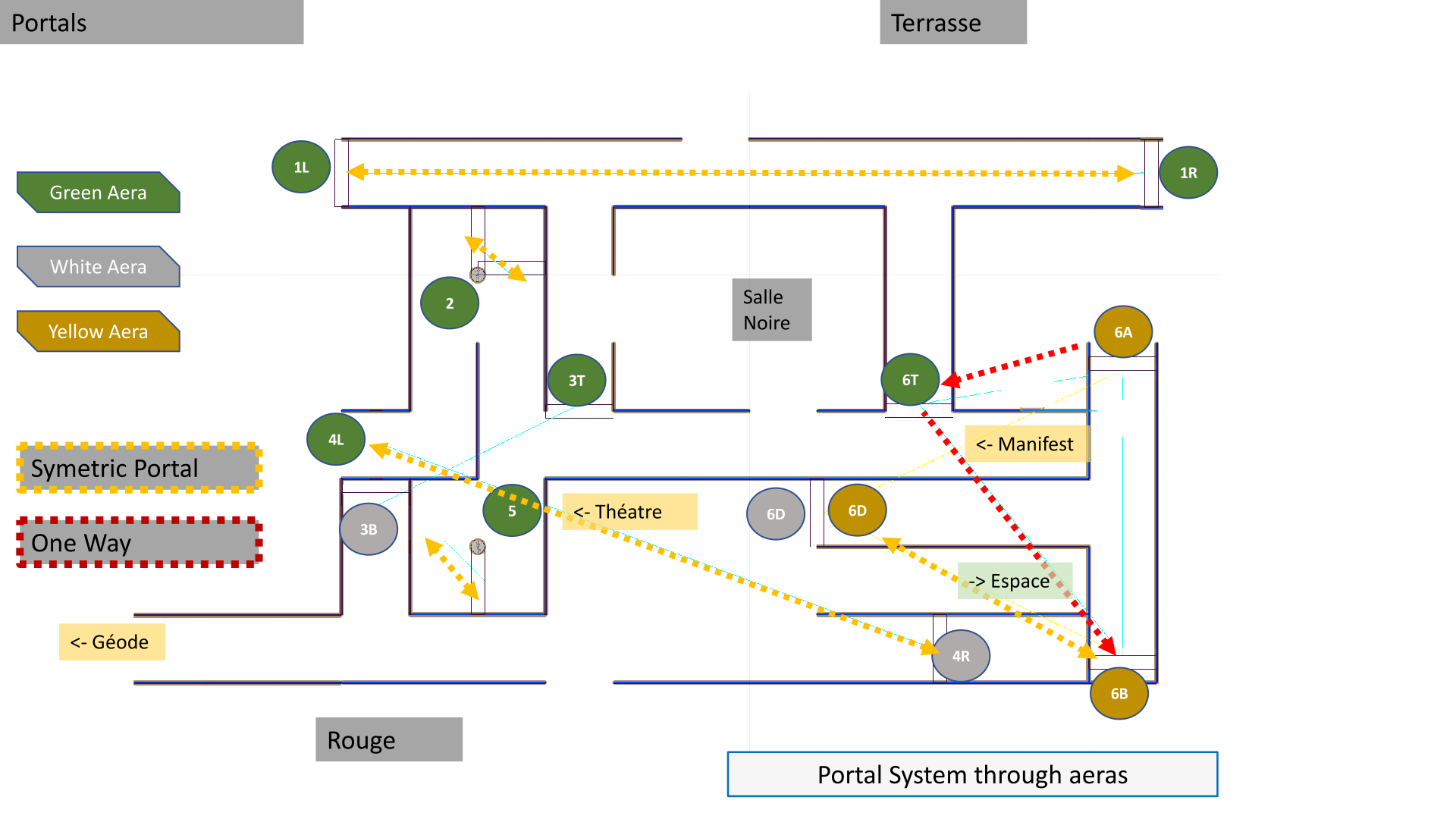
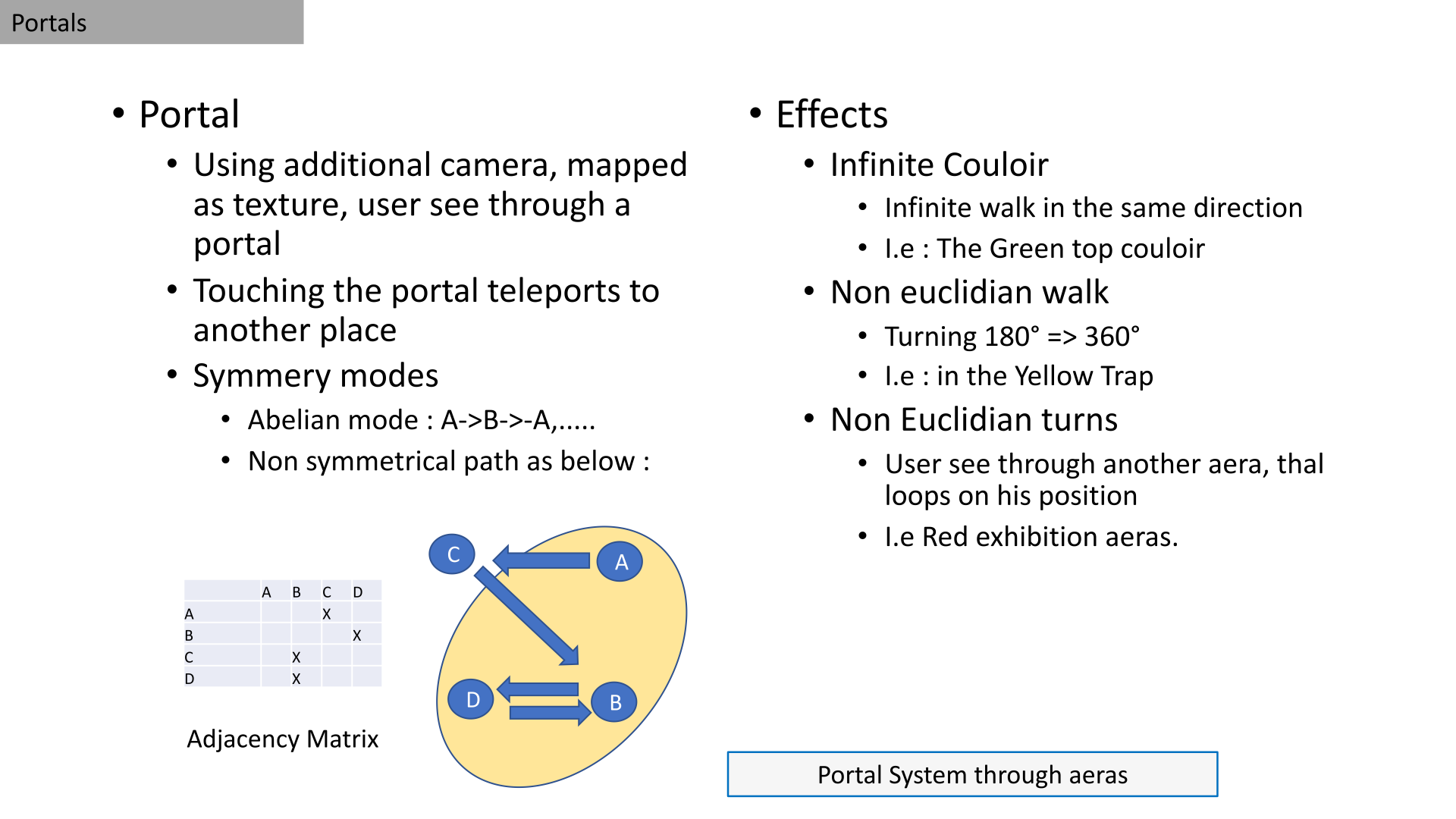
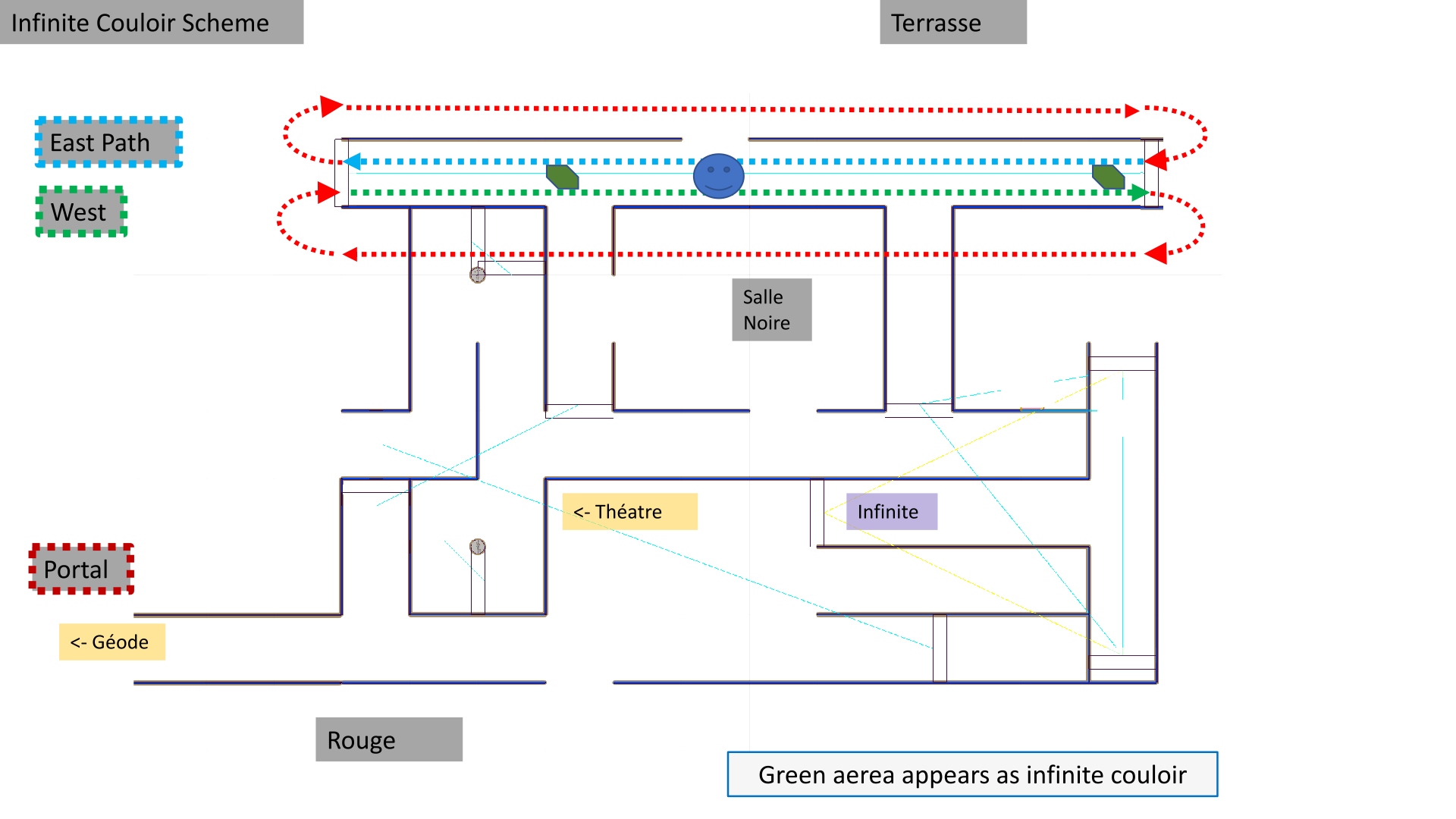
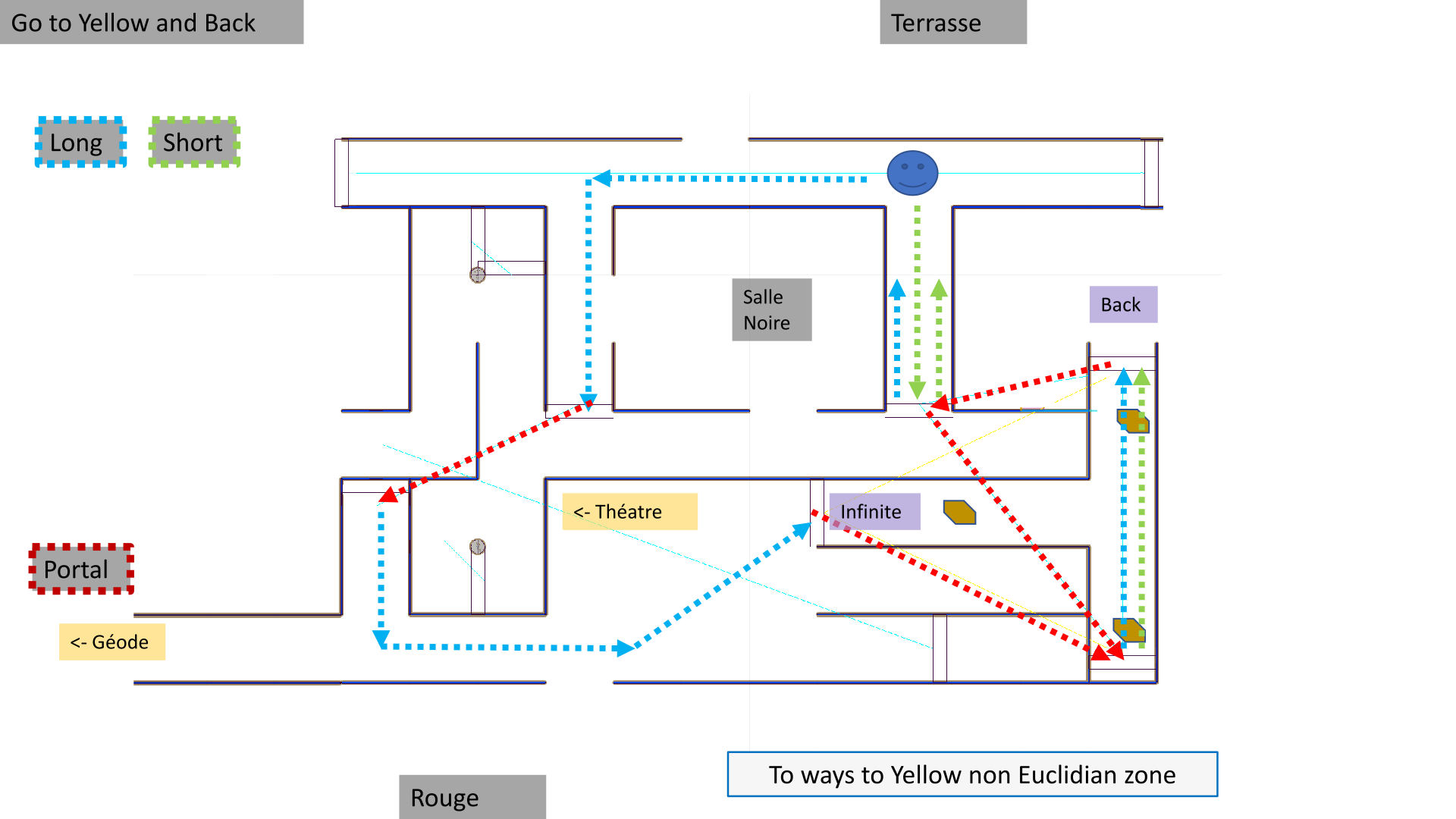
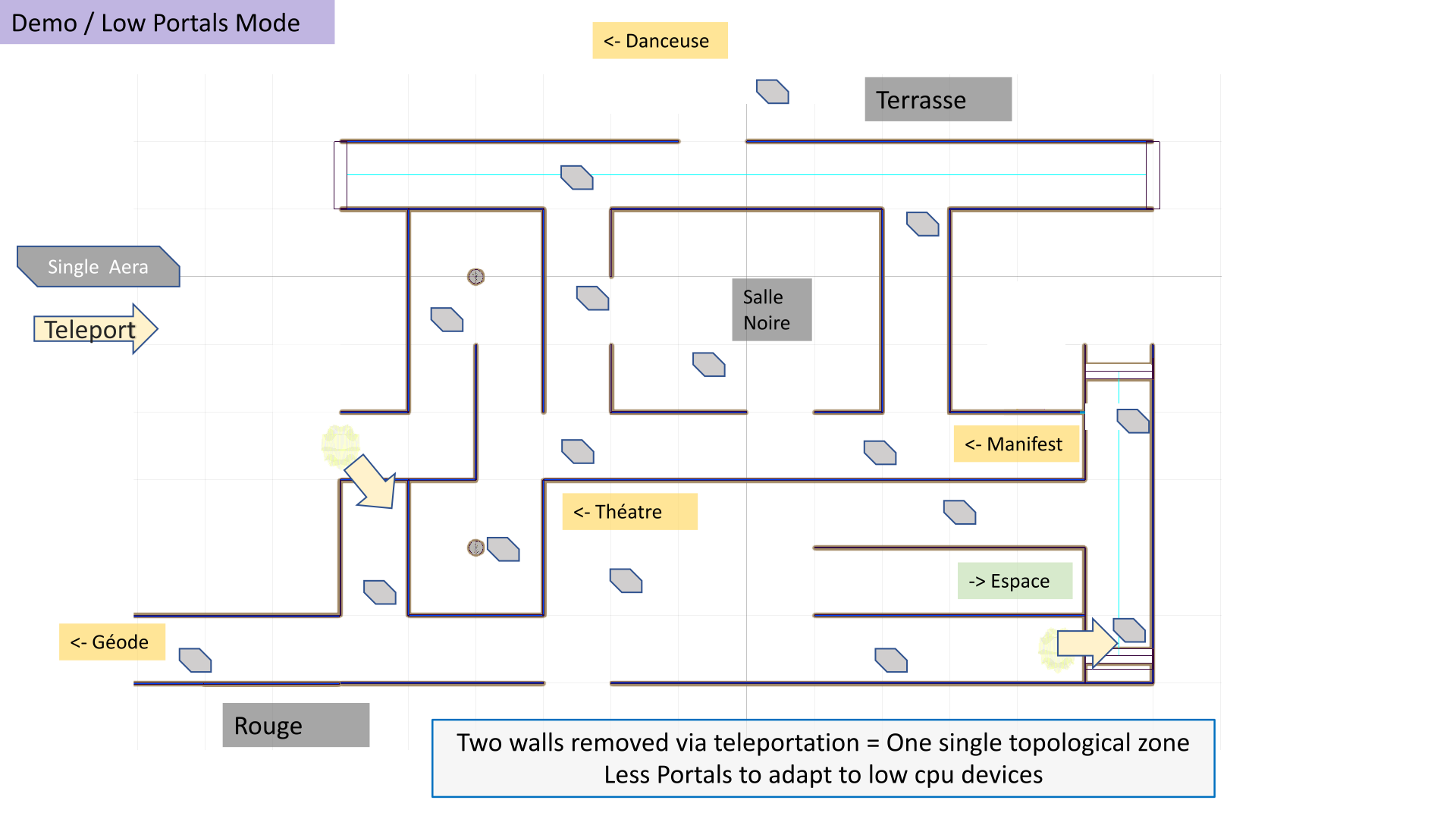
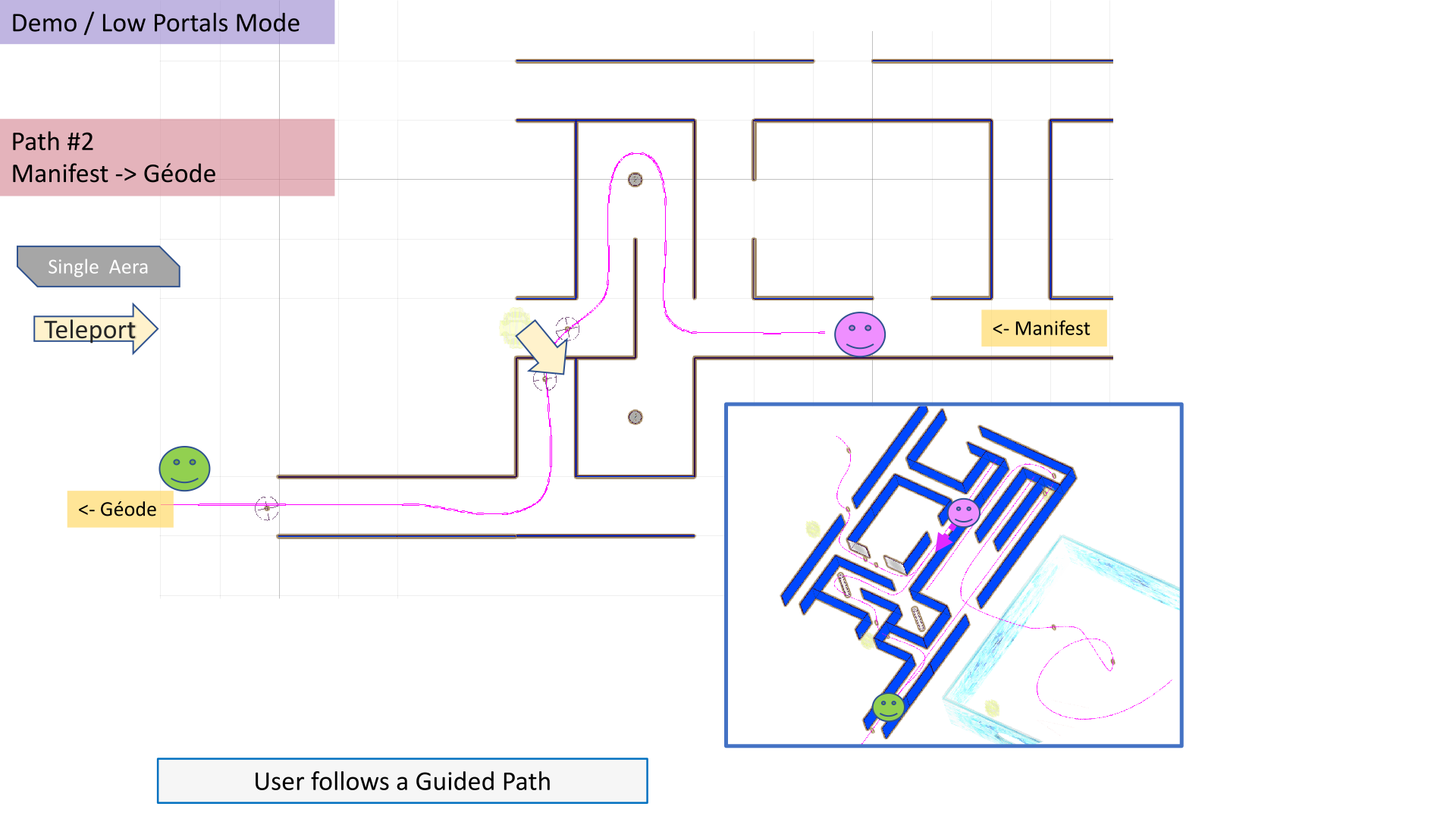
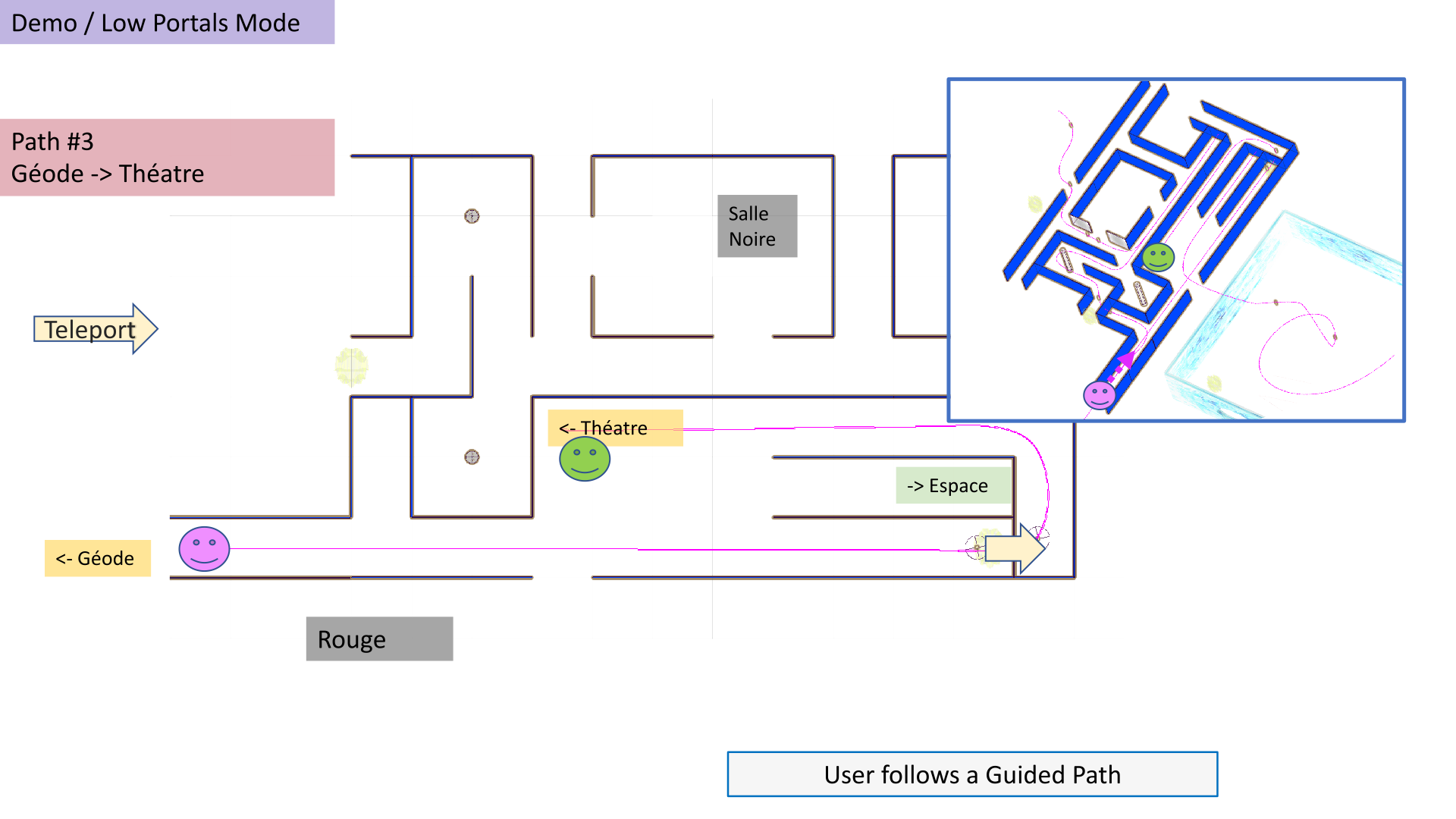
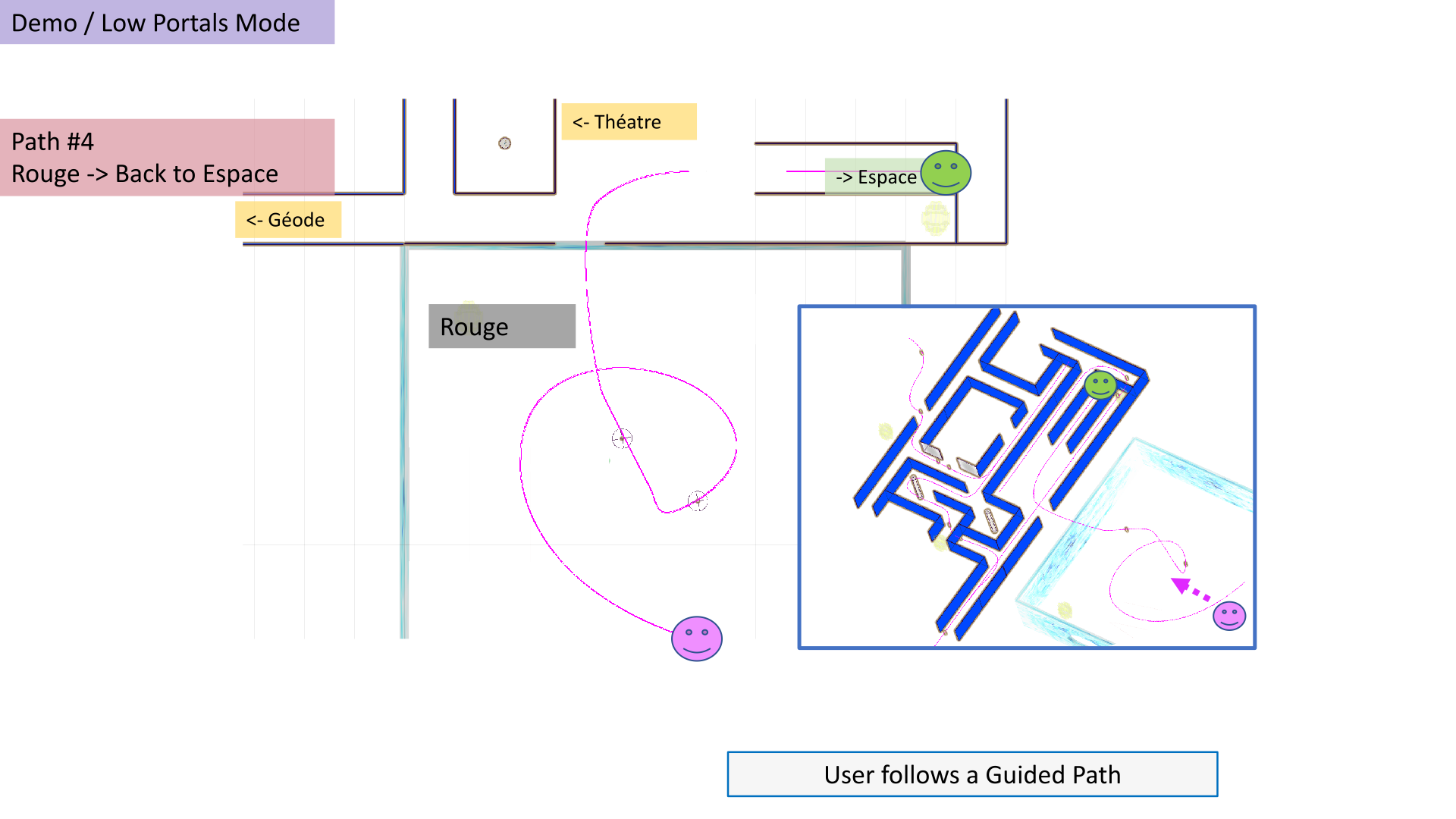
With the option to play a game – The user controls their visit by moving freely through the Labyrinth with the possibility of participating in a “game” (see paragraph below). The “Corridors” scene features a system of invisible portals designed to produce “non-linear” effects in order to disorient the user. For example, an endless corridor teleports from one place to another without the user noticing, or sometimes turns three times to the right only to return to the starting point!
"Demo Mode"
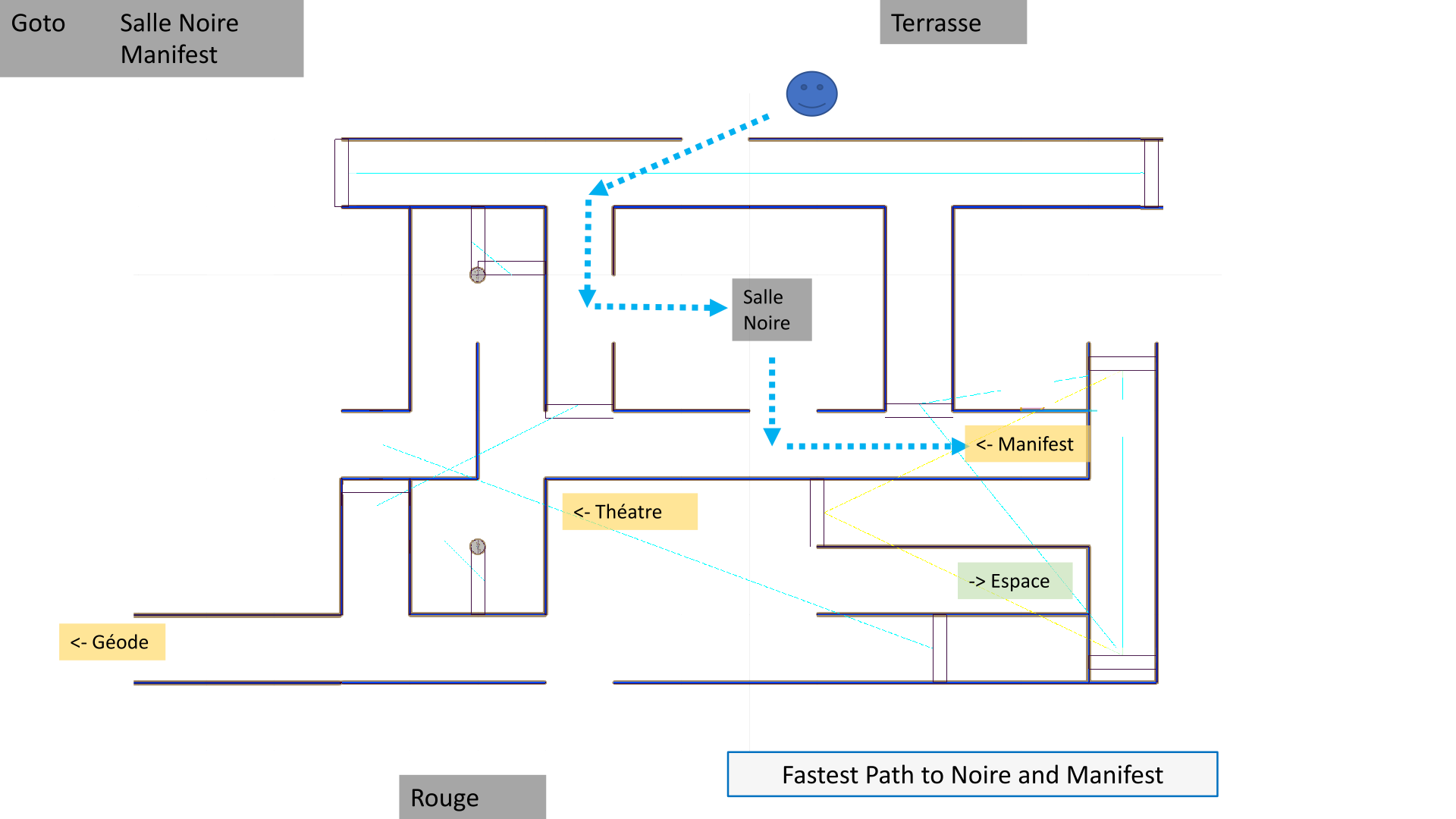
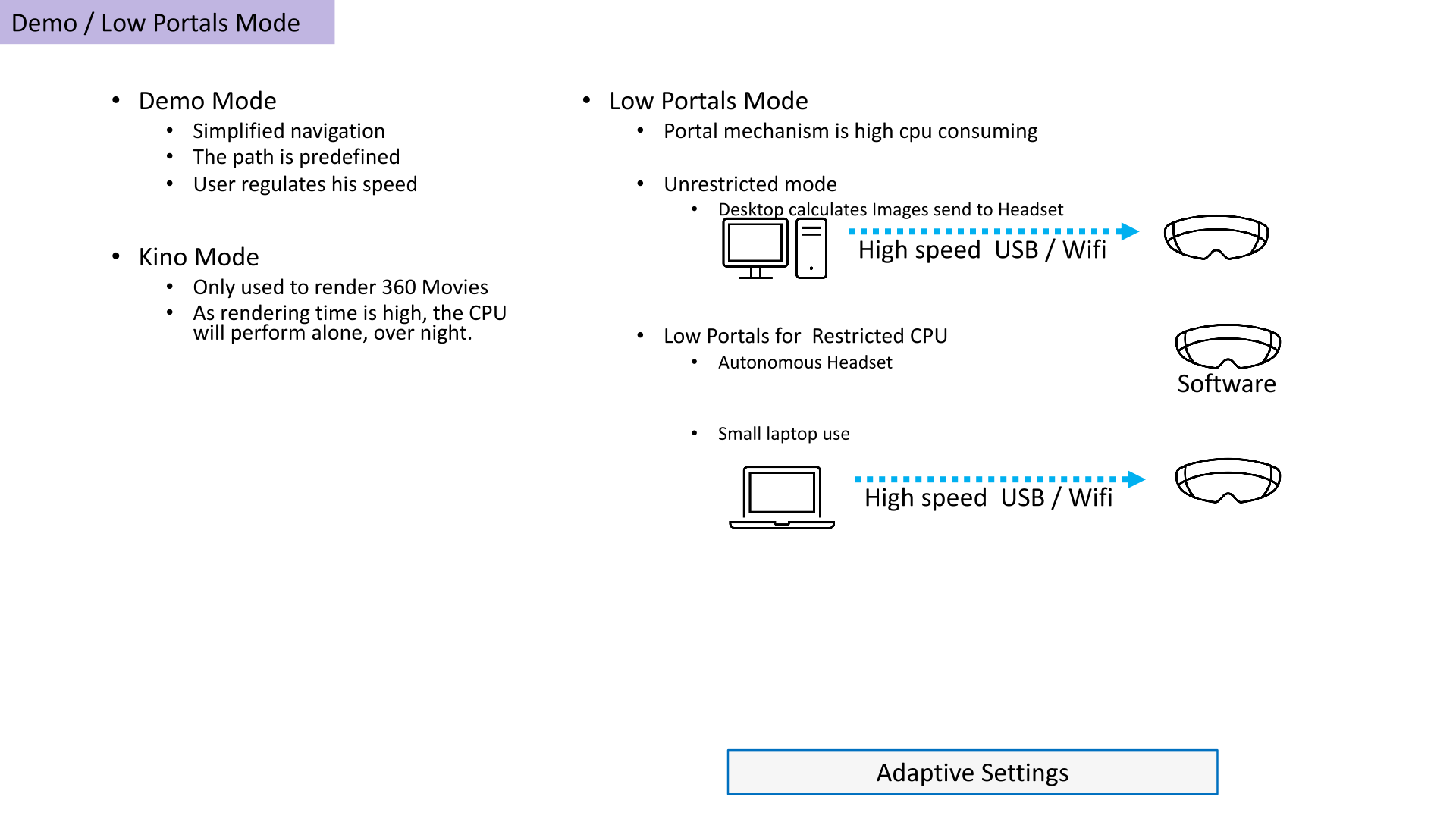
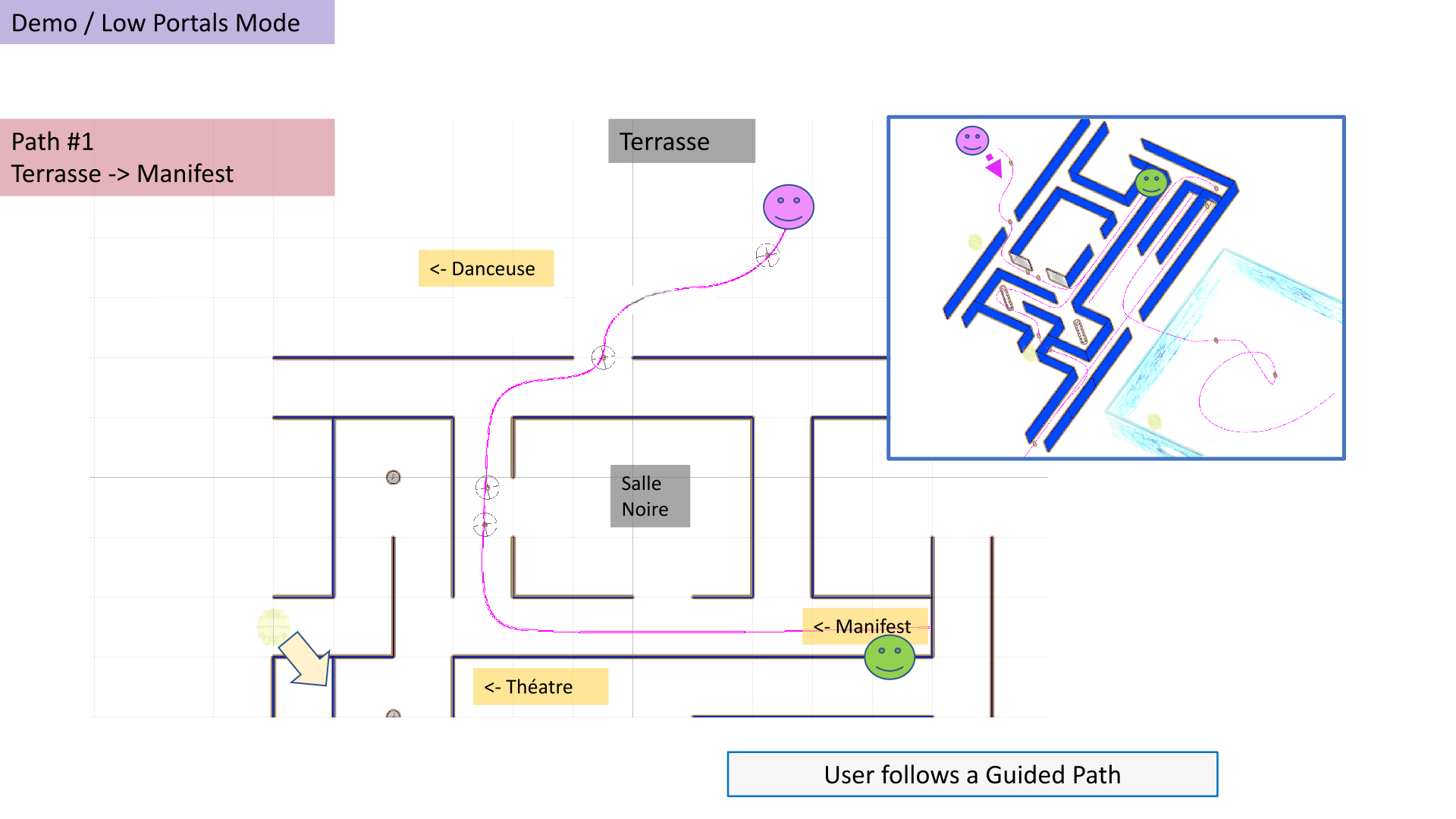
In demo mode, the user follows a predefined route, allowing them to explore the entire artwork at their own pace. They can slow down near specific points of interest and then resume their normal speed. Only one joystick is needed to control the journey: forward, backward – pushing the forward button accelerates, while pushing backward decelerates and moves backward.
Typical hardware setup tested during the project's creation in 2025
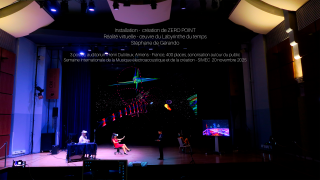
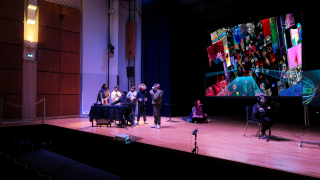
Four simultaneous setups, with large-screen viewing and listening for an audience
Setup 1
• Large screen
• High-powered video projector (HDMI)
• Computer (PC or Mac)
• Professional sound system with at least 2 speakers (in the auditorium) (RME-type sound card possible)
Setup 2
• Laptop
• Large-screen TV (HDMI)
• Headphones
Setup 3
• Oculus-type VR headset
Setup 4
• Oculus-type VR headset
Collaborations, cf. publication avec Gilles Baroin springer MCM 2026 New-York
Installation instructions for ZERO POINT (in English then in French - PDF à télécharger)
Visualisation des vidéos 360 ci-dessous (choisir un nagigateur comme google chrome)
Contact : sdegerando@gmail.com
Dossier PDF téléchargeable
For an installation of Zero point (with technical specifications) (EN)
Pour une installation de Zero Point (avec fiche technique) (F)
Portolio de Gérando (EN)
Portolio de Gérando (F)